 BlurData
BlurData is designed to make sharing screenshots safer by automatically detecting and blurring sensitive information. This article covers how BlurData identifies key data points such as amounts, license plates, names, account numbers, and emails, helping you protect your privacy without extra effort.
1. Blurring Monetary Amounts
Whether it’s a bank statement, an invoice, or an e-commerce receipt, monetary amounts can reveal private financial information. BlurData automatically detects and blurs all amounts in screenshots, ensuring that your financial data stays confidential before you share it. This is especially useful for business or personal financial documents where privacy is paramount.
2. Concealing License Plates
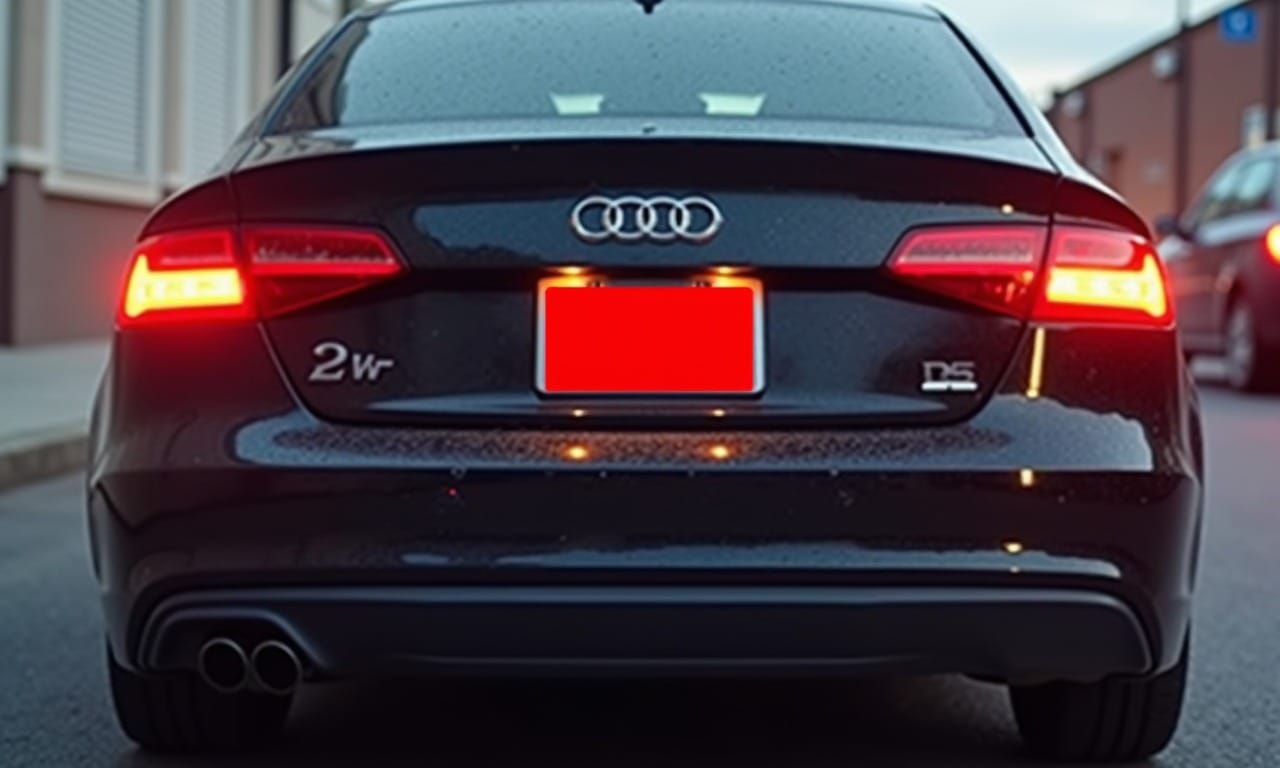
License plates can identify vehicles and, by extension, the people who own them. When sharing images of vehicles—whether in a parking lot or on the road—BlurData can automatically detect and blur license plates, making it easier to protect personal privacy and avoid revealing location details.
3. Protecting Names and Surnames
Personal names can quickly make a screenshot identifiable, connecting the information in the image to a specific individual. BlurData scans for names in your screenshots and blurs them automatically, which is especially useful for preserving privacy in documents, chat conversations, and social media posts.
4. Masking Bank Account Numbers
Bank account numbers are among the most sensitive types of information. Exposure of such data can lead to financial risks, including fraud. BlurData detects and blurs account numbers instantly, ensuring that you can share screenshots of financial documents securely, without fear of leaking sensitive details.
5. Hiding Email Addresses
Email addresses are often linked to online accounts, personal communications, and even social media profiles. BlurData automatically identifies and blurs emails in screenshots, which is crucial when sharing customer details, user data, or personal correspondence. This feature helps prevent unwanted contact or phishing risks associated with visible email addresses.
Why Automatic Detection Matters
Manually blurring each piece of sensitive information is time-consuming and error-prone. With BlurData’s automatic detection, all sensitive data points are identified instantly, reducing the risk of accidentally sharing private details. This automation is especially beneficial for professionals who handle multiple screenshots daily and need a fast, reliable solution for data privacy.
BlurData’s advanced detection capabilities allow you to share screenshots without compromising on privacy. By automatically identifying and blurring amounts, license plates, names, account numbers, and emails, BlurData ensures that sensitive information remains hidden, letting you share confidently.
Explore BlurData’s features today! Visit BlurData.app to download the app and start protecting your privacy.