 BlurData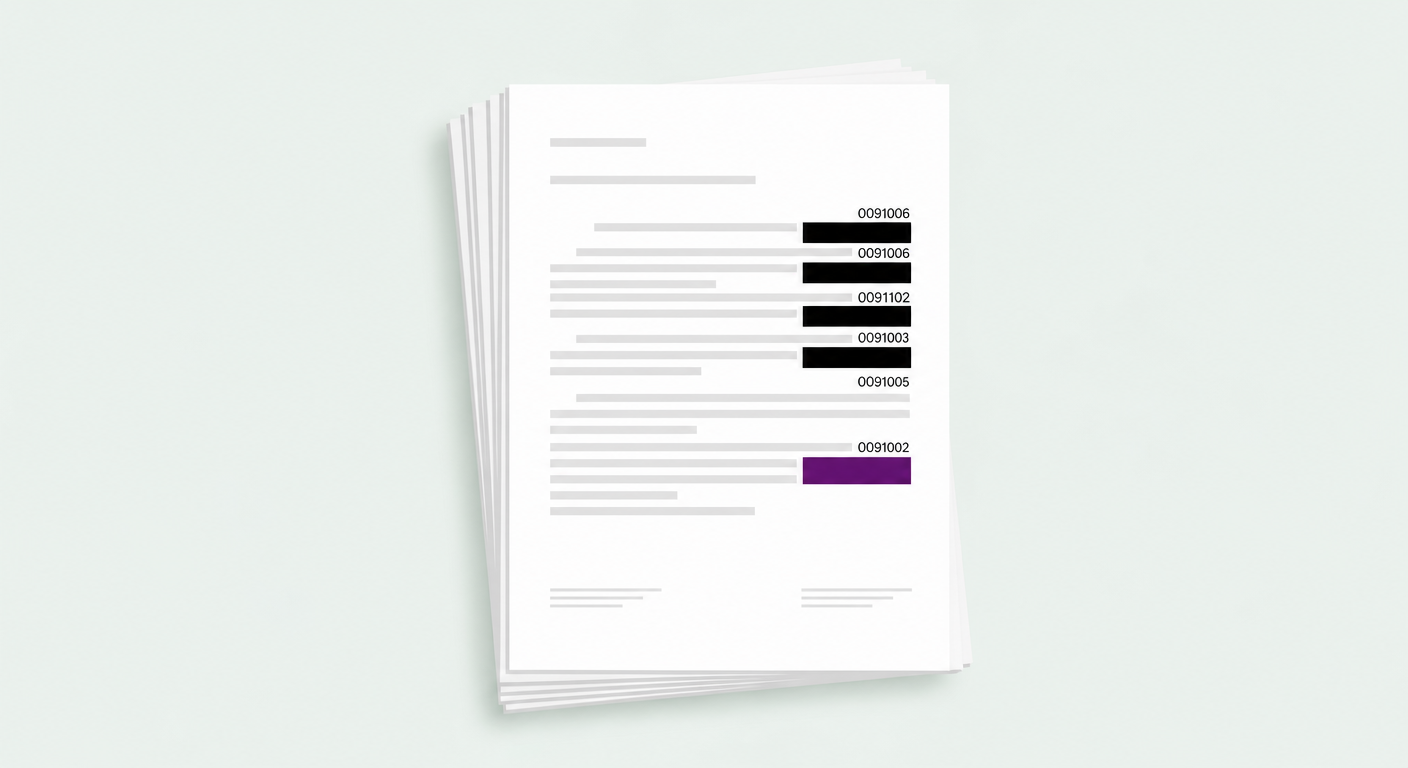
What is Bates numbering?
Bates numbering is a method of stamping each page of a set of documents with a unique, sequential identifier. It's the citation backbone of legal discovery: when two parties exchange thousands of pages, every single page needs an unambiguous label so anyone can say "see page ABC-000472" and land on exactly the right one.
The name comes from the Bates Manufacturing Company, which in the late 1800s made the original self-incrementing hand stamps — press it on a page, and the number automatically advanced by one. Today it's done in software, but the concept is unchanged.
What does a Bates number look like? Prefix and examples
A Bates number is almost always a prefix followed by a zero-padded sequential number. The prefix identifies the producing party, the matter, or the case; the number keeps counting up across the whole production. Common shapes:
ABC-000472
JONES 004521
DEF-CONF-000089
The padding — typically six digits — keeps the numbers the same width so they sort correctly and read consistently. Crucially, the format is predictable: same prefix, same digit count, incrementing number. That predictability is exactly what lets software detect an entire series at once, which matters when you need to redact one.
How Bates numbering works in a production
- Sequential across files. Numbering doesn't restart per document — document two continues where document one ended. A 40-page file followed by a 60-page file runs from ABC-000001 to ABC-000100.
- One per page. Every page carries exactly one Bates stamp, usually in a bottom corner.
- Immutable once produced. After a set is Bates-stamped and produced, those numbers are the permanent reference. That's why getting redactions right before stamping — or being able to cleanly remove a prior series — matters.
When you need to redact a Bates series
Most of the time Bates numbers are kept — they're the whole point of the production. But there are real situations where a numbered reference series has to be removed before a document goes out more widely:
- A document already carries a prior production's Bates stamps and you're re-producing it under a new scheme.
- An internal matter number, client code, or file reference is stamped on every page and shouldn't leave the firm.
- You're preparing an exhibit or a public-facing copy and need the underlying reference codes gone.
The challenge is completeness. A Bates series can run to hundreds or thousands of pages. Miss one and you've leaked the very reference you were trying to remove. Doing it by hand, page by page, is exactly where mistakes happen.
How to detect and hide a whole Bates series on Mac
Because a Bates series is a predictable pattern, the right tool can catch the entire series in one step. BlurData has a dedicated Bates / reference-number mode in Custom Patterns: you give it the prefix, and it detects and permanently redacts every matching reference on every page — no regex to write, nothing left uncovered.
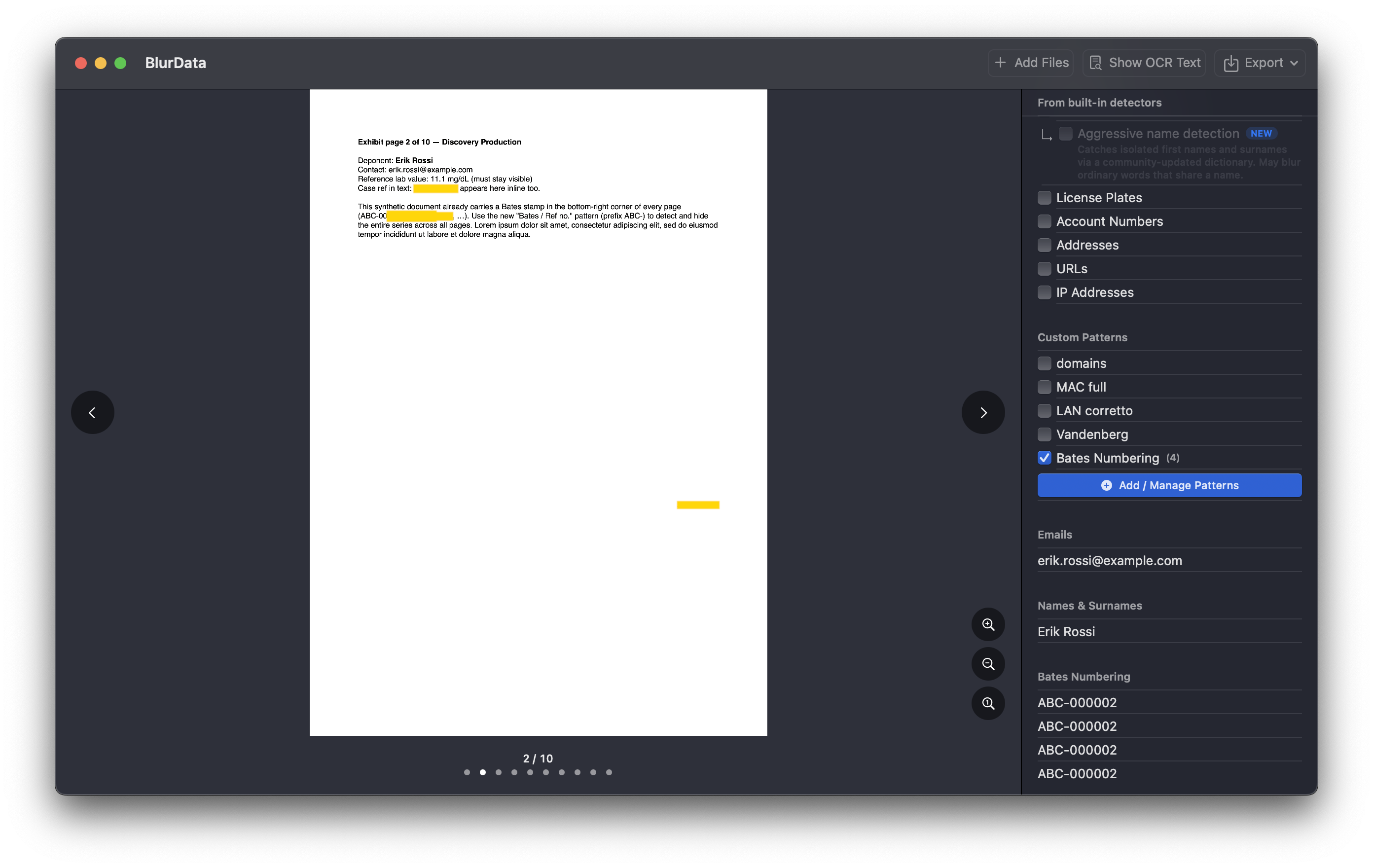
Hiding a Bates series, step by step
- Open your PDF in BlurData (drag it in).
- In the sidebar, open Add / Manage Patterns.
- Choose the Bates / Ref no. mode and type the prefix — for example
ABC-. Optionally set a fixed digit count. - The preview shows exactly what it will catch (
ABC-000001, ABC-000002, ABC-000147…). - Add it — every matching reference across all pages is detected and covered. Export to bake the redaction permanently into the file.
Everything runs on your Mac — the document is never uploaded, which is what makes BlurData suitable for privileged and confidential material. And because the redaction is written into the exported file (not a movable layer on top), there's nothing to recover. If you're unsure whether a redaction is truly permanent, here's how to check a redacted PDF in 60 seconds.
Frequently asked questions
What is Bates numbering?
A method of labeling document pages with a unique, sequential identifier — a prefix plus a zero-padded number like ABC-000001 — so every page in a legal production can be cited unambiguously.
What does a Bates number look like?
A prefix identifying the party or case followed by a fixed-width number: SMITH000123, ABC-000472, JONES 004521.
What does Bates stamped mean?
A Bates-stamped document has its own Bates number on every page, such as ABC-000001, ABC-000002 and so on. Bates stamped, Bates labeled and Bates numbered all mean the same thing, and you will also see it spelled bate stamped. Today the number is added by litigation or PDF software instead of the original hand stamp, but the rule is the same: one page, one number.
Can I redact or hide Bates numbers in a PDF?
Yes. Because they follow a predictable prefix-plus-number pattern, a tool like BlurData can detect the whole series at once and permanently remove it on every page.
Should Bates numbers be redacted?
Usually they're kept — they're the citation reference. But when a prior series or an internal reference code needs to come off before sharing, being able to remove a numbered series completely and cleanly is what matters.
Redact an entire Bates series in one step
Detect and permanently hide any prefixed reference series across every page — on your Mac, fully offline. 14-day money-back guarantee.
Download BlurData for MacRelated reading: Redact legal documents on Mac · What proper redaction software does · Can you unredact a PDF? · Best redaction software 2026